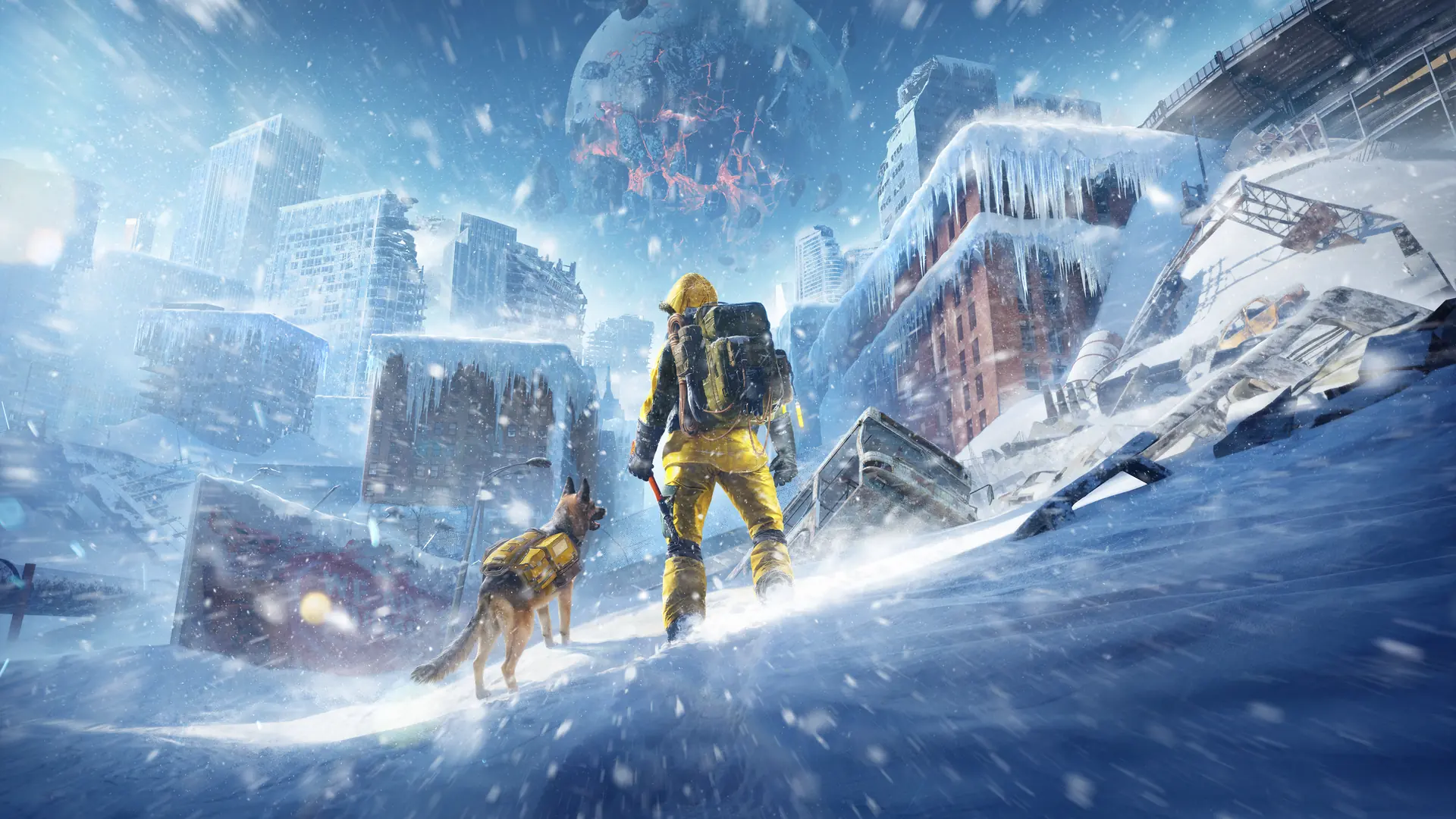
Permafrost dog invisible in multiplayer is a known guest-side issue. A guest may see the harness moving without the dog, while the world still has its single host-owned companion. There is no confirmed universal visibility fix in the current guidance, and the newer quest and Steam invitation fixes do not establish that this dog problem has been repaired.
First compare the host and guest views of the same companion. Do not restart the rescue quest, delete the world, or assume your character needs a separate dog merely because the body is missing on the guest screen.
For the separate storage question, read the dog inventory and control limits. For world access, use the co-op joining checks.
Recognize the documented symptom
The distinctive symptom is a moving harness or backpack with no visible dog beneath it. That is different from a companion you cannot locate anywhere, an unopened rescue quest, or a storage interface that does not respond.
| Observation | What it tells you |
|---|---|
| Guest sees the harness moving without the dog | Matches the known guest-side visibility symptom |
| Host can see the dog at the same spot | The companion exists in the host world despite the guest rendering problem |
| Neither player can locate the companion | Does not establish the documented harness-only issue by itself |
| Storage interaction is unavailable | Needs its own interaction check; visibility alone does not identify the cause |
| Guest expects a personal second dog | Conflicts with the one-dog-per-world ownership rule |
Keep the description precise. The game rendering a harness is not proof that every companion system works normally, but it is also not proof that the dog or all its carried supplies have been deleted.
Compare both views at one identifiable location
Have the host and guest stand near the same recognizable location and inspect the same moving harness. The host should confirm whether the dog is visible on their screen. Use a location both players can name so that you are not accidentally comparing different moments or positions.
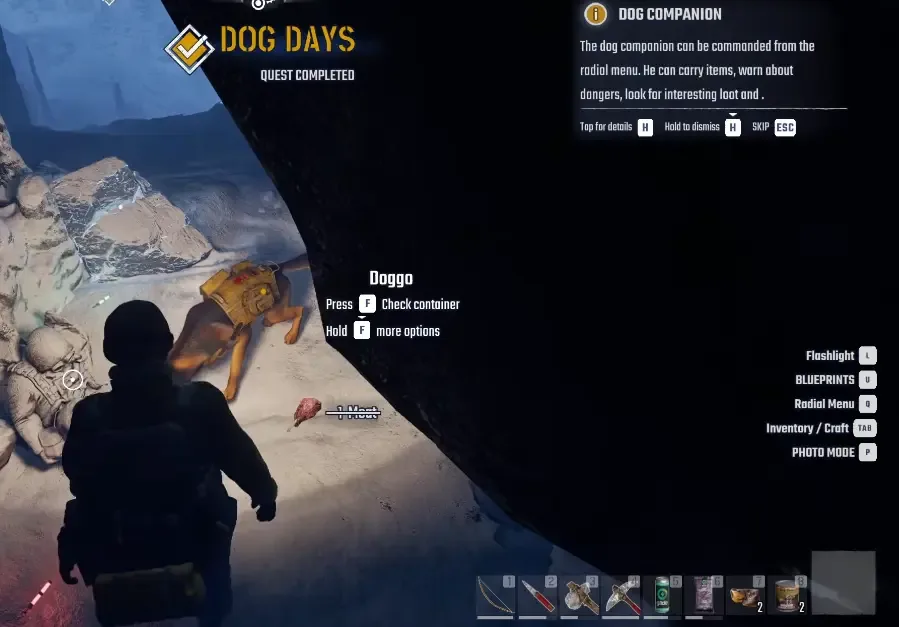
Visible-companion reference; the player role in this capture is unconfirmed.
If the host sees the dog and the guest sees only its harness, record the difference as the documented visibility problem. Keep screenshots of each perspective if you intend to report it. Include the player role with each image; a picture of a visible dog without that context does not describe the guest's failure.
If the host also cannot locate the companion, describe that different result. Do not force it into the harness-only explanation. The current guidance does not provide a confirmed recovery procedure for every missing-companion state.
Keep the ownership rule separate from the bug
The world has one dog, and it belongs to the host. A guest's own solo companion does not become an extra dog in the friend's world. Characters are world-bound, so joining a friend is not a route for importing a separate solo character and its companion.
That ownership boundary explains why every player does not receive an independent dog. It does not make an invisible dog body on the guest screen the intended visual result. The one-dog rule and the visibility fault can both apply in the same session.
Ask the host to coordinate companion-dependent actions while the visual issue persists. The intended functions include scouting, warnings, and carrying supplies, but do not promise that every function is unaffected. Check the actual action you need rather than treating visibility and functional access as equivalent.
Use a reconnect only as a diagnostic test
Both players can confirm available updates and restart their game clients before retesting the same host world. The host should reopen the original save through Host Multiplayer, and the guest should join that session again.
This is a way to check the behavior after a fresh connection, not a verified dog-visibility fix. Record whether the dog becomes visible, the harness-only state remains, or a different issue appears. A temporary improvement in one session does not establish that the bug is permanently resolved.
Avoid changing hosts or creating a new world merely to perform this test. Those changes also alter the world and character context, making the comparison less clear. Keep the existing world intact so the result still describes the session in which the problem occurred.
Do not infer lost inventory from the missing body
If the concern is supplies, ask the host to inspect the actual companion interaction and inventory state available in their client. A guest cannot determine an item loss solely from the dog body failing to render.
The current dog storage capacity, exact inventory-opening action, and guest access permissions are not confirmed here. Do not use a guessed shortcut or assumed slot count as evidence that supplies are missing. Identify the item, the last confirmed inventory state, and the interface state you can actually inspect.
If the items are present, the visibility issue remains a separate problem. If an item is absent, record that inventory discrepancy as well rather than claiming the rendering fault definitely caused it. The supplied guidance does not establish that causal connection.
Report the state that still remains
A useful report includes the game build if displayed, who hosted, who joined, whether the host sees the dog, whether the guest sees the moving harness, and whether restarting the same session changed the result. Add an inventory or interaction failure only if you observed it separately.
No confirmed graphics setting, quest restart, mod, or save-file edit is established as a guaranteed solution. If the harness-only state persists, keep it identified as an unresolved known visibility issue and let the host coordinate the companion actions the group can actually verify.
Sources and version notes
Sources checked: 12 October 2026. Verification labels refer to the cited documentation and its stated limits; this site has not independently tested these steps in the game. Compare the information with your installed build.
- Known Issues & Workarounds (Updated October 11) — Developer issue post. Scope: One host-owned dog and the moving-harness visibility fault.
- Co-op Guide: How to Host, Join and Fix Connection Issues :: Permafrost General Discussions — Developer guide. Scope: Host Multiplayer and Join Multiplayer Sessions menus; password/player slots.